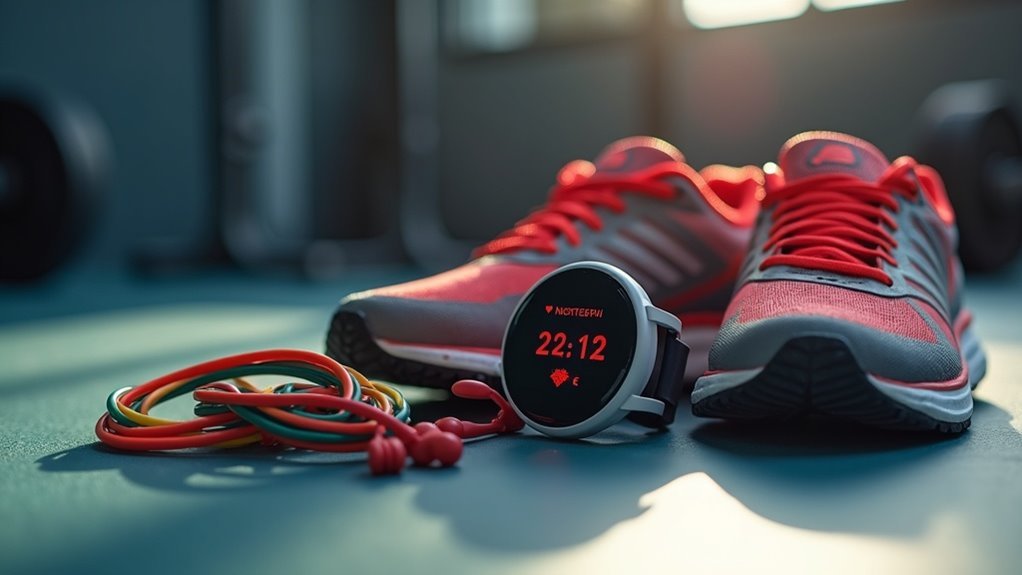
To pair your heart rate monitor with your home gym equipment, begin by ensuring that it’s activated and within 3 meters of the CORE sensor. Next, open the CORE app, tap the heart icon, and if your monitor doesn’t appear, select “rescan.” Choose your HRM-Dual™ from the list and confirm the pairing. Once connected, you’ll see a red heart icon along with your current BPM displayed. This connection enhances your workout experience by helping you optimize your intensity levels right from the comfort of your home gym. There’s even more to discover about how to maximize your heart rate monitor for effective at-home workouts!
Key Takeaways
- Activate your heart rate monitor and keep it within 3 meters of your cardio equipment’s sensor for seamless pairing.
- Open the CORE app, navigate to the heart rate monitor settings, and tap the heart icon to initiate the pairing process.
- If your monitor isn’t visible, utilize the “rescan” option to refresh the sensor list in the app.
- Choose the HRM-Dual™ from the list of detected devices and confirm the pairing to establish a connection.
- Make sure the monitor is set to reconnect automatically for your future workouts, ensuring efficient tracking of your fitness progress at home.
Overview
When you pair heart rate monitors with your home gym equipment, you unlock the potential to significantly enhance your workout performance.
These devices provide precise heart rate data, which is crucial for optimizing your training intensity and recovery. Most heart rate monitors connect via Bluetooth or ANT+, ensuring compatibility with a variety of home cardio machines and fitness apps for effortless data tracking.
Heart rate monitors deliver accurate data essential for fine-tuning your workout intensity and enhancing recovery.
To successfully pair your devices, ensure your monitor is activated, within close range (approximately 3 m or 10 ft) of your cardio equipment, and that Bluetooth is enabled.
Regular software updates for both your heart rate monitor and gym equipment can further improve connectivity, making the pairing process smoother and more efficient.
This way, you can stay on track with your fitness goals right from the comfort of your home.
How to Pair a Heart Rate Monitor to Your CORE
To pair your heart rate monitor with your CORE and enhance your home workout experience, start by making sure your monitor is activated and within close proximity.
Once you’re ready, follow the pairing process in the CORE app to connect your devices effortlessly.
If you run into any issues, troubleshooting connection problems is easy, allowing you to get back to your fitness routine without delay.
Stay motivated and track your progress as you work towards your health and fitness goals at home!
Preparation Steps for Pairing
Before you can fully experience the advantages of your heart rate monitor with the CORE sensor, follow these simple preparation steps.
Start by wearing and activating your heart rate monitor, making sure it’s within 3 meters (10 feet) of the CORE sensor.
Next, open the CORE app on your device, tap the Settings Icon in the top right corner, and select the heart icon to access the heart rate monitor settings.
If your heart rate monitor isn’t showing up, click “rescan” to refresh the list.
Finally, select your device from the list to confirm the pairing and enjoy seamless connectivity, making your home workouts even more effective and enjoyable.
Pairing Process Overview
Pairing your heart rate monitor with the CORE sensor is an easy process that can elevate your home workout experience. Follow these steps for a smooth connection:
- Put on your heart rate monitor (HRM) and activate it, then launch the CORE app on your device.
- Tap the heart icon in the app’s settings menu and select “rescan” to detect available Bluetooth sensors.
- From the list, select the HRM-Dual™ and confirm the pairing; wait for the connection to be confirmed.
Once paired, your heart rate monitor will automatically reconnect for all your future home workout sessions.
Be sure to regularly check for CORE app updates to ensure optimal performance and compatibility with your HRM, helping you stay focused on achieving your fitness goals from the comfort of your home.
Troubleshooting Connection Issues
When troubleshooting connection issues with your heart rate monitor during your home workouts, it’s important to ensure that the device is powered on and within 3 meters (10 feet) of the CORE sensor.
Open the CORE app, head to the settings menu, and select the heart icon for heart rate monitor settings. If your heart rate monitor isn’t visible, tap “rescan” to refresh the sensor list. Confirm the pairing by selecting the HRM-Dual™ option and wait for the connection confirmation.
If the connection fails, try restarting both the CORE device and the heart rate monitor, and check for any Bluetooth connections that might be causing interference. This will help you get back to your fitness routine without any interruptions!
Checking if the Heart Rate Monitor Is Connected
To ensure your heart rate monitor is properly connected while you exercise at home, check the CORE app for a red heart icon, which indicates an active link.
You should also verify that the current beats per minute (BPM) is displayed for real-time monitoring of your workout intensity.
If the heart icon isn’t red or the BPM isn’t visible, try refreshing your Bluetooth connection and ensure that your monitor is within the appropriate range for optimal performance.
Stay on top of your fitness goals with accurate heart rate tracking!
Verify Connection Status
Before diving into your home workout, it’s crucial to ensure that your heart rate monitor is properly connected.
To verify the connection status, follow these steps:
- Open the settings in the CORE app and look for the heart icon; a red icon indicates an active connection.
- Check the beats per minute (BPM) displayed in the app to ensure it’s accurately tracking your heart rate.
- Keep the monitor within a range of up to 10 meters (33 feet) for a stable connection.
If your heart rate monitor isn’t connected, refresh your Bluetooth settings or rescan for devices in the app to troubleshoot any issues.
Staying connected helps you maximize your home workouts and keep track of your fitness progress!
Monitor Real-Time Data
Ensuring that your heart rate monitor is properly connected is crucial for accurately tracking your workouts at home. To check your connection, open the CORE app settings and look for the heart icon. If it appears red, you have an active connection. Make sure your chest strap is within range of the CORE sensor for precise tracking. If your heart rate data isn’t displaying, go back to the settings to confirm the connection and ensure the monitor is powered on and worn correctly.
| Status | Action Required |
|---|---|
| Connected | Continue your workout |
| Not Connected | Recheck the settings |
| Data Visible | Monitor your BPM |
| Data Invisible | Ensure proper wear |
| In Range | Keep moving |
Stay committed to your fitness journey at home by regularly monitoring your heart rate and maintaining optimal equipment setup!
Hints for Successful Pairing
While connecting your heart rate monitor may seem simple, a few essential tips can ensure a smooth and successful pairing experience, especially for those focused on their home fitness journey.
Follow these hints to enhance your workout:
- Stay Close: Keep your heart rate monitor within 10 meters (33 feet) of your device to reduce any interference from other wireless sensors.
- Check Bluetooth: Make sure Bluetooth is activated on your device. If your monitor doesn’t appear, refresh the list of available devices to find it.
- Restart if Needed: If you encounter difficulties while pairing, restarting your device can help clear up any temporary connectivity issues, allowing you to get back to your home workouts without delay.
Known Issues
When pairing your heart rate monitor for home workouts, keep in mind that certain known issues may complicate the process.
For example, devices like COROS limit simultaneous connections to two or three monitors, which can make pairing difficult if multiple devices are active. Existing Bluetooth® Low Energy connections can also interfere, so it’s advisable to remove any prior connections from your device’s Bluetooth menu before starting.
Some models, such as the Garmin HRM 600 and HRM 200, require open mode pairing due to compatibility issues. Additionally, Polar HRMs may need specific app settings to function correctly, and monitors that require PIN entry are often not supported by most cardio equipment.
Being aware of these factors can help ensure smoother connections, allowing you to focus on your fitness journey at home!
Using Your Heart Rate Monitor at the Gym
Using a heart rate monitor during your home workouts can significantly enhance your fitness routine.
By tracking your heart rate, you can optimize your training sessions and achieve better results. Here are three key benefits:
Tracking your heart rate enhances your training and leads to improved results.
- Real-time Data: Monitor your intensity levels and adjust your efforts based on heart rate zones, helping you maximize your workouts at home.
- Seamless Connectivity: Many home gym equipment options are compatible with heart rate monitors via Bluetooth, ensuring accurate readings and easy integration into your fitness regimen.
- Comprehensive Tracking: Sync with fitness apps like Polar Flow to analyze your workout data across various devices, allowing you to track your progress over time.
Ensure your heart rate monitor is worn correctly and activated for optimal performance during your home exercise sessions.
Connecting Your Heart Rate Monitor in the Gym
Connecting your heart rate monitor at home can significantly enhance your workout experience by providing real-time data on your performance.
Ensure your monitor is powered on and properly worn before you initiate the connection. Most modern home gym equipment supports Bluetooth or ANT+ technology, which allows for easy pairing with your device.
To connect, follow the specific instructions outlined in your equipment’s manual, usually involving selecting your heart rate monitor from a list of available sensors.
It’s important to regularly check compatibility, as some older models of heart rate monitors may not sync with newer home gym equipment.
4-Week Workout Program Overview and Benefits
A well-structured 4-week workout program can revolutionize your fitness journey from the comfort of your home.
Transform your fitness journey with a 4-week home workout program designed for all levels.
This program, featuring a mix of Anti-HIIT, strength, and mobility exercises designed by Polar Ambassador Jack Hanrahan, is tailored to suit both men and women.
By utilizing Polar devices, you’ll experience:
- Enhanced fitness: Expect significant improvements in strength and endurance, essential for at-home workouts.
- Variety in workouts: Keep your routine fresh and engaging with exercises designed for all fitness levels, ensuring everyone can participate.
- Consistency: Develop active habits that align with your fitness goals, making it easier to stay committed to your home workout regimen.
This program empowers both beginners and advanced fitness enthusiasts to achieve a balanced workout routine, ultimately leading to a greater sense of accomplishment and improved overall health—all from the convenience of your home gym.